> For the complete documentation index, see [llms.txt](https://docs.cloutly.com/reviews-sdk-for-marketplace-websites/llms.txt). Markdown versions of documentation pages are available by appending `.md` to page URLs; this page is available as [Markdown](https://docs.cloutly.com/reviews-sdk-for-marketplace-websites/cloutly-embed/enriched-review-widgets.md).
# Embed App in Iframe
Display an enriched review widget for each business. The below markup is a quick guide on how you can use our pre-built review widgets
Use the full Cloutly app inside your app with an iframe.
## Full app embed
```html
```
The JWT is generated by your backend and includes:
* `externalUserEmail`
* `externalBusinessId`
* `businessDisplayName`
* `firstName`
* `lastName`
* `role`
* `smsLimits`
* `iat`
* `exp`
## Optional pre-built widgets
There are 2 kinds of pre-built widgets you can use for lightweight display.
## Dynamic List
### Type 1 - Dynamic List
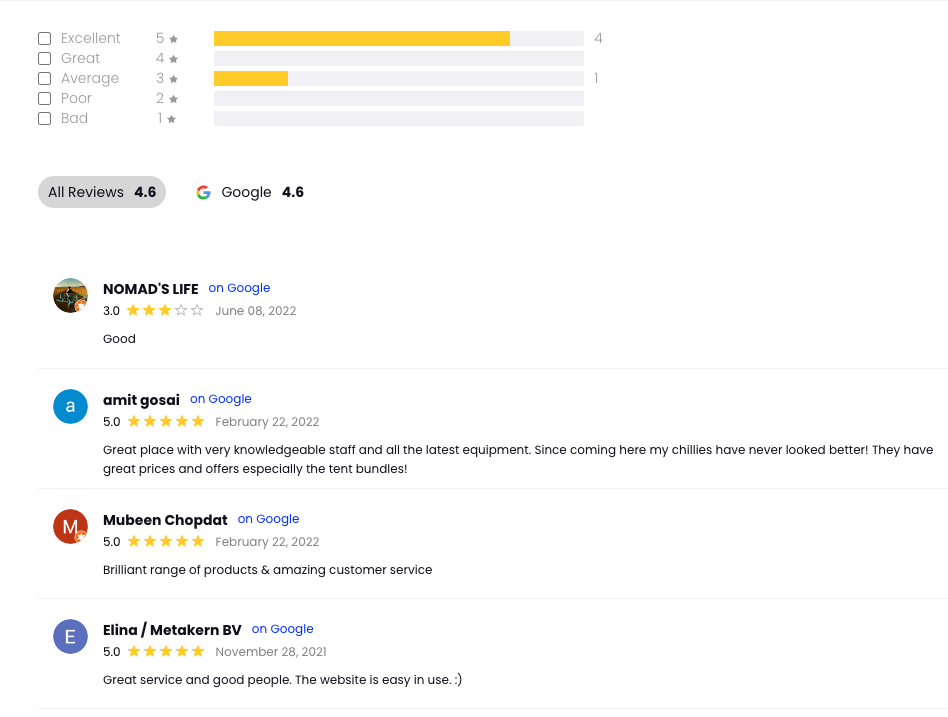
Here is an example of the Dynamic List widget. This widget is interactive and a great way to show a snapshot of reviews for a business.
### Local Reviews
* Used for Google/Facebook/Self hosted reviews for a location or business.
Widget includes review score breakdown and top list of latest reviews
Add the following snippet to your website and this widget will render on your website.
* Replace `{{BUSINESS_ID}}` with your business identifier.
```html
```
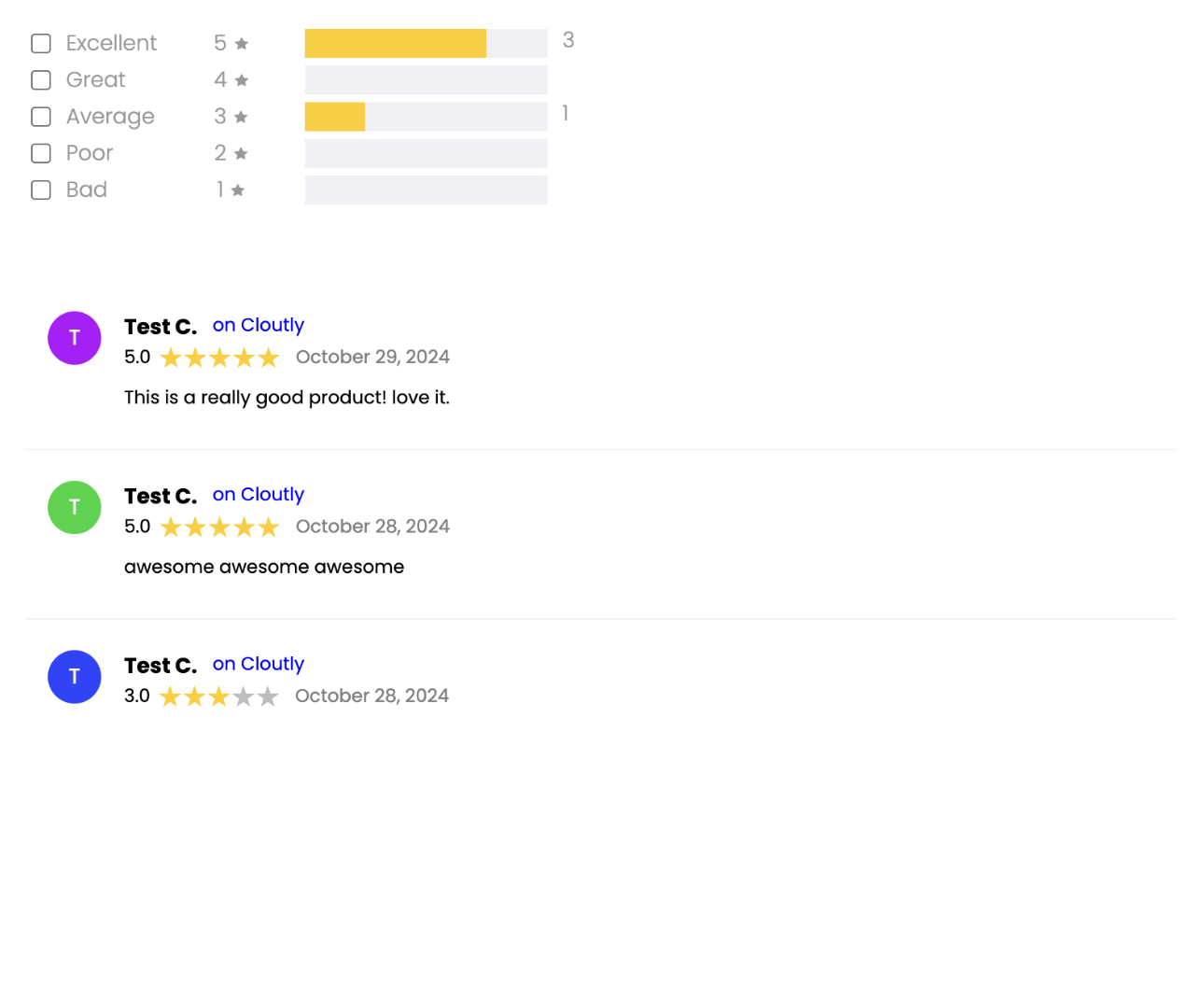
### Product Reviews
* Self-hosted reviews for a product.
Add the following snippet to your website and this widget will render on your website.
* Replace `{{BUSINESS_ID}}` with your business identifier.
* Don't forget to replace `{{SOURCE_PRODUCT_ID}}` with the id use in **Send Review Invitation**
```html
```
## Carousel
### Type 2 - Carousel
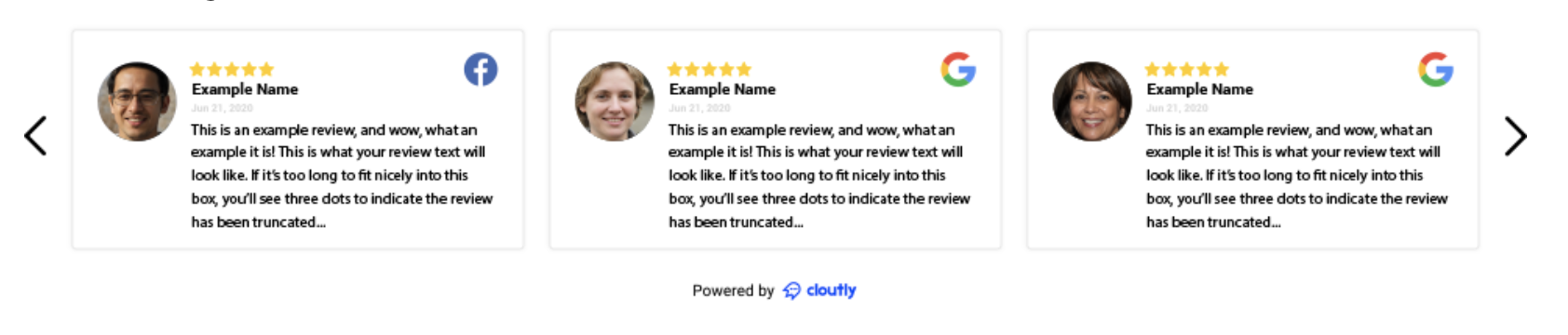
Here is an example of the Carousel widget
Google, Facebook, Tripadvisor, any review site you want
#### Setup
Add the following snippet to your website and this widget will render on your website.
* Replace `{{BUSINESS_ID}}` with your business identifier.
```html
```
### Background
If you have any other requirements for your site, contact us and we can discuss options.